

Repurposing Content – Why Not Every Post Needs to be New
Writing a blog post takes a bit of work. Even for someone like me who writes a lot of content, there’s time and effort that goes into it. You promote it on social media, pop out a few pins, and then what?
As an Amazon Associate I earn from qualifying purchases and sometimes recommend products from other sellers at no extra cost you. For more details see my disclosure policy and privacy policy.
This is why the idea of repurposing content is so huge. It shows you that there are new ways to use the content you have. And it means not every post needs to be new because you have this bank of content to use in different ways. Here are some examples.
Why you should consider repurposing content
The idea of repurposing, recycling, or updating a post might seem like cheating. After all, you aren’t actually creating something new. But this assumes that everyone who wants to read your posts did so when it was published. And that they never want to read that content again. Neither of these things is liable to be true.
The fact is, only a tiny percent of your audience sees everything you put out there. So you know you have a new post and this is the third time you’ve promoted it or the second way you’ve repurposed it. But there’s a huge chance they have no idea as they never saw the original post.
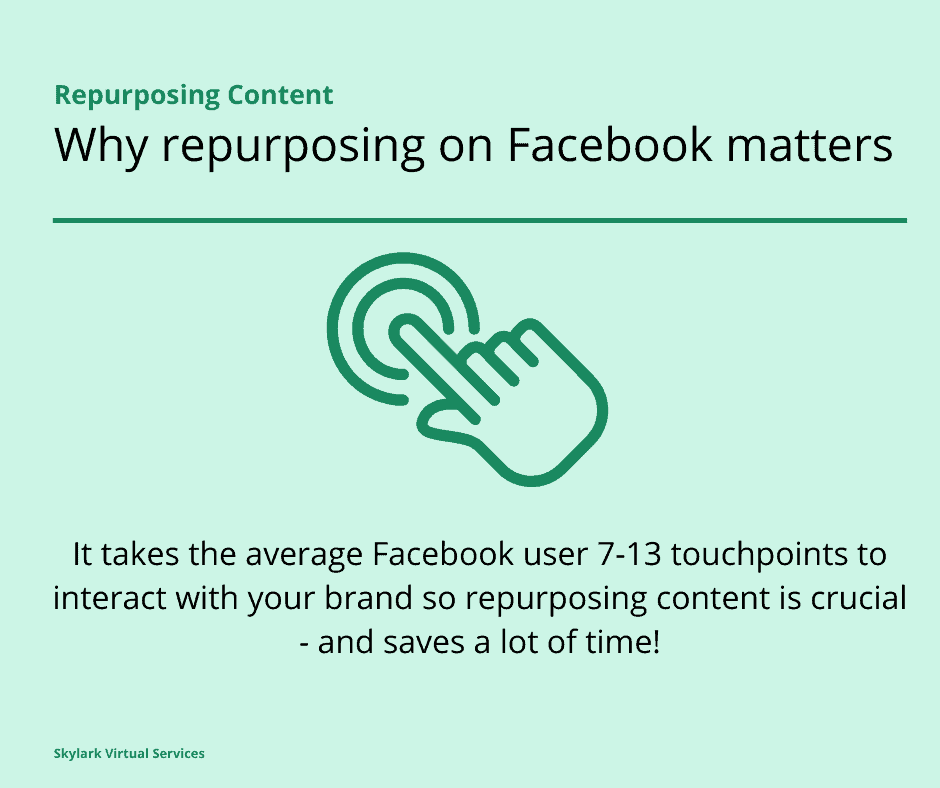
According to the experts at Buffer, there are other reasons to repurpose content including:
- Reaching a new audience of people who have never read your blog before but might be searching for that topic if you recycle it
- Getting an SEO boost by having multiple pieces of content on the same subject if you repurpose it – this is known as topic clusters
- Publish it in new ways on social media to catch a fresh audience – creating multiple pins highlighting different parts of the article is one example
- Adding new information to a piece to ensure it is current when updating a post
Repurposes, recycling, or updating?
Perhaps the trick with content repurposing or updating is to be fussy about what you work with. For example, if you write a post about social media trends for next year late this year, it might not work to update that piece. It may be easier to simply write a fresh one when the next year comes around for next year’s topic.
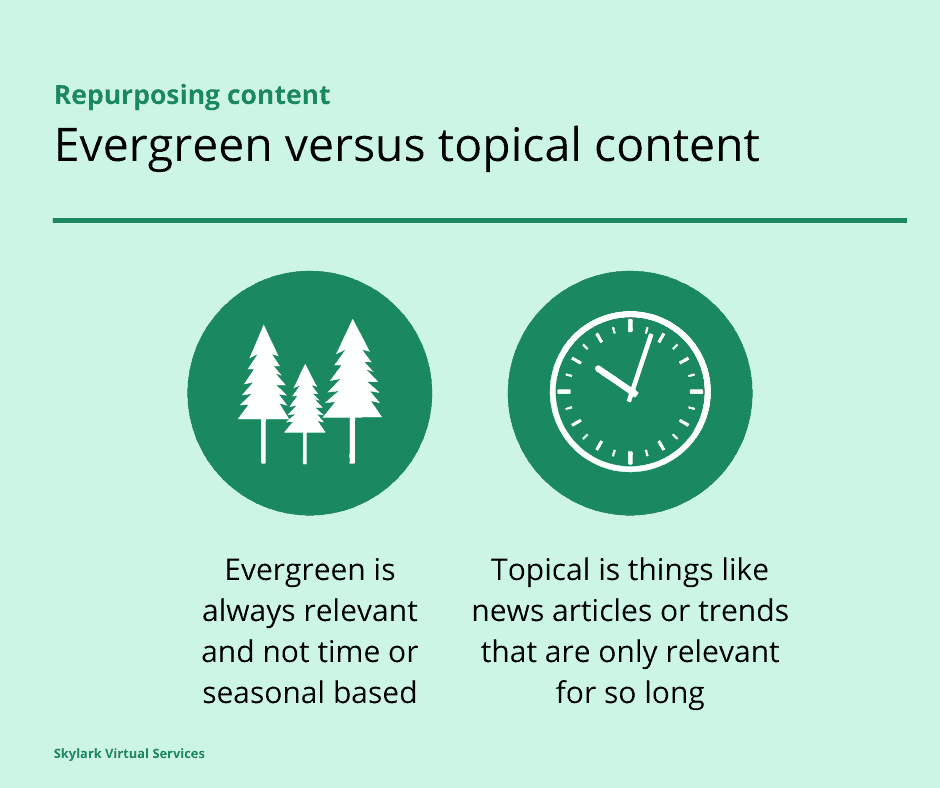
The content that is best to repurpose is what is known as evergreen content. This is a piece that isn’t time or season specific and can still be useful to readers years after it is written. Tips on starting your first blog or choosing plugins might be a good example and here you can update the details to ensure that all of the options used are still relevant, working, and worth recommending.
For inspiration as to what posts might be best to focus on, take a look at your Google Analytics or other such software. Check over the last month and the last year to see which of your posts is the most viewed and then run it through the check to see if you can do anything new with it – can you repurpose, recycle or update it?
Repurposing options
Once you know what content might benefit from an update, repurpose or recycle then you can start to look at what you are going to do with it. Updating it is likely to be the quickest option and allows you to add new facts, stats, and systems to your posts. But there are other options.
Combining posts into a guide
For example, you can turn a series of blog posts into a guide. You might have written a series of posts on Instagram – setting up an account, designing graphics, and gaining followers. You could then repurpose those individual posts into a single guide on how to gain a presence on Instagram.
This could be published on the blog or even used as a lead magnet to gain email list subscribers. You can improve them a bit, use some new graphics, and update any stats or processes so they are different from the originals but not the same as writing a piece from scratch.
Pull images for Pinterest and Facebook
If you have a post that contained a lot of images, you could use these images to make a series of Pinterest pins in Canva for the post. Give each one a unique headline and description, offering a different point from the article to entice people to click. Then spread them out with scheduler tool like Tailwind so they don’t all go out to your boards in a short time.
You could also resize the images while you are in Canva and make them suitable for Facebook, Instagram, or Twitter. Add a new caption without a link for Facebook and simply give a tip relating to the image from the post.
Go into more detail on a topic
If you wrote a big listicle post containing loads of tips in one piece, why not think about breaking it down into a series of smaller pieces that look into each element in a little more detail?
An example could be Facebooks Ads – after you have written one big guide on how to create them, what audience options there are, how to set budgets, and more, you can write a series of smaller articles looking into each in detail. Those smaller articles might just appeal to people who wouldn’t read through a single large piece.
Use stats as graphics
You could also take a series of quotes and stats from a piece and use them to create Tweets or images for Twitter. Once you have freshened up the info on the piece with new stats, you can use this information to draw readers to the full piece.
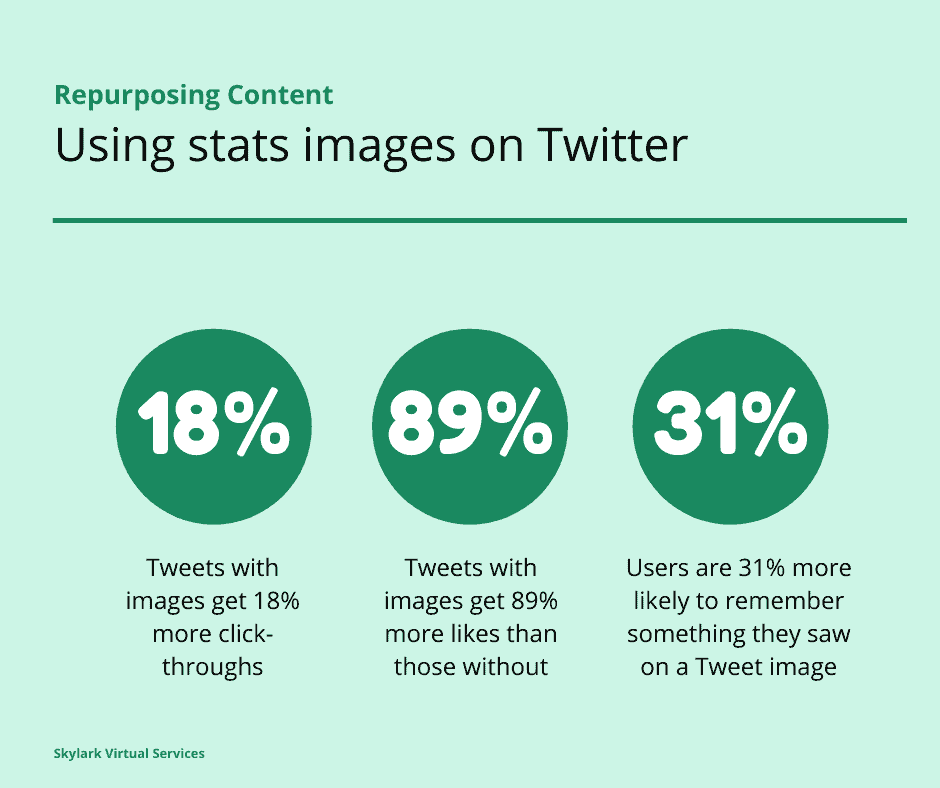
Those stats images could be combined together to make an infographic that would work well for Pinterest.
Create a video from it
With the huge growth of video, if you have the skills you could turn your blog post into a video and catch a whole new audience with it. There are still lots of people that prefer to watch a video than to read a post so by creating a video from your old post, you have the potential to catch new people with it.
With a tool like Lumen5, you don’t even need to make the video featuring yourself. You can pull together the most important points and some stylish stock images (I love Ivory Mix or Haute Stock for this). Then make a short highlight video, add it to YouTube, and embed it in the post. And share on social!

Or if you aren’t a fan of video, you could start a podcast and use the content as the basis for an episode.
Use as a basis for guest blogging
You can rewrite the post and use it as content for guest blogging opportunities. That way you can reinforce your message while ensuring that the guest piece and your original post are different enough for search engines. It saves researching a new piece and means you can backlink to the original piece to boost SEO.
Use in your newsletter
Finally, you can turn the post into an abbreviated version of itself and use it on a newsletter update. Use enough to provide some interest to readers then lead them to your blog to read the rest of it.
Or use it as part of a roundup of top tips on a topic that offers something concrete within the email and also entices people to check out the post for more. Go beyond just sending those RSS feed-style ‘here’s my new post’ emails. Kate Doster has some great ideas for this kind of thing in her Email Marketing Fairy templates set.
Dress it up nicely
Sometimes you read your post and think ‘Well there’s nothing to repurpose, recycle or update here and it still gets traffic’ and that’s cool.
But if you still want to do a little something, you can always update the images, make a new header image, or pop in a mini-infographic to the piece to enhance it and offer something new.
You can also add a plugin that shows the last date the post was updated as this helps with SEO – it is an existing piece of content but is still up to date and relevant. I use one called WP Last Modified Info. This keeps the original publish date but shows when the post was last updated – Google loves this.
Conclusion
Repurposing, recycling, or updating content isn’t cheating – it is simply making the most of the work you have already done. By remembering that not everyone will have seen your post the first time around, you can potentially reach new audiences and remind existing ones of the points that you make.
And there are lots of new ways to use that content to make the most of the work that went into creating it.


