
Top 20 Tools to Use for Your Blogging Business
There’s a lot to do when you get serious about your blog and become a blogging business – sure, you still need to write and design graphics and post to social media. But you want to start being more organised about your efforts, have an editorial calendar and curate great content to your social media profiles. And you want to study how your efforts work and also keep track of money in and out of your account.
As an Amazon Associate I earn from qualifying purchases and sometimes recommend products from other sellers at no extra cost you. For more details see my disclosure policy and privacy policy.
How do to it all – tools!
I love online tools as they are efficient, space saving and don’t require regular updating as they do it all themselves. I have little folders in my desktop with my essential tools in them for quick access. So, I thought I would give you a glimpse into those folders to see the top tools I use for blogging business.
Organisation
ClickUp
ClickUp is the heart of my business and if it doesn’t go in there, it is unlikely it will get done! I love the structure of it with Spaces, Folders and Lists as well as Tasks, Subtasks and even Checklists. The multiple views including lists, boards and calendars mean you get the exact view you need for any situation.
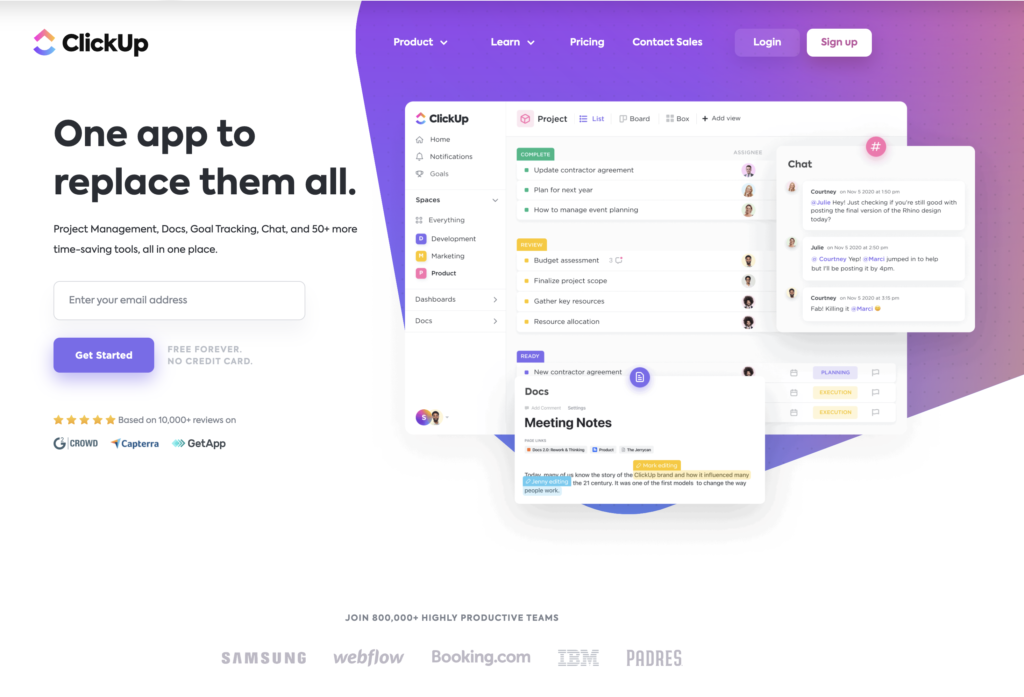
ClickUp also integrates well with lots of other tools from Google Drive to Slack and this makes it easier to run your business without needing to go from one place to another for everything. I really like the integration with Google Calendar so you can show all of your events on the home page and other places.
Asana
I used Asana for my freelance content writing for many years when I first started. It is brilliant because you can create a project for each client, assign tasks and even sub tasks and easily see what you have to do each day. This also helps you decide if you have time to take on additional projects or if your ‘full’ sign is up.
You can just as easily use it for blogging business such as scheduling your posts, email newsletters, pitching emails and other regular jobs that you need to do.
Trello
I used Trello as somewhere to organise all the other tools that I use. That means I have general dump boards, yearly overview boards and a to-do list of non-date jobs. I also use it as a back CRM for my client work. These are just a few boards which I use the most and the star puts them to the top of the screen.
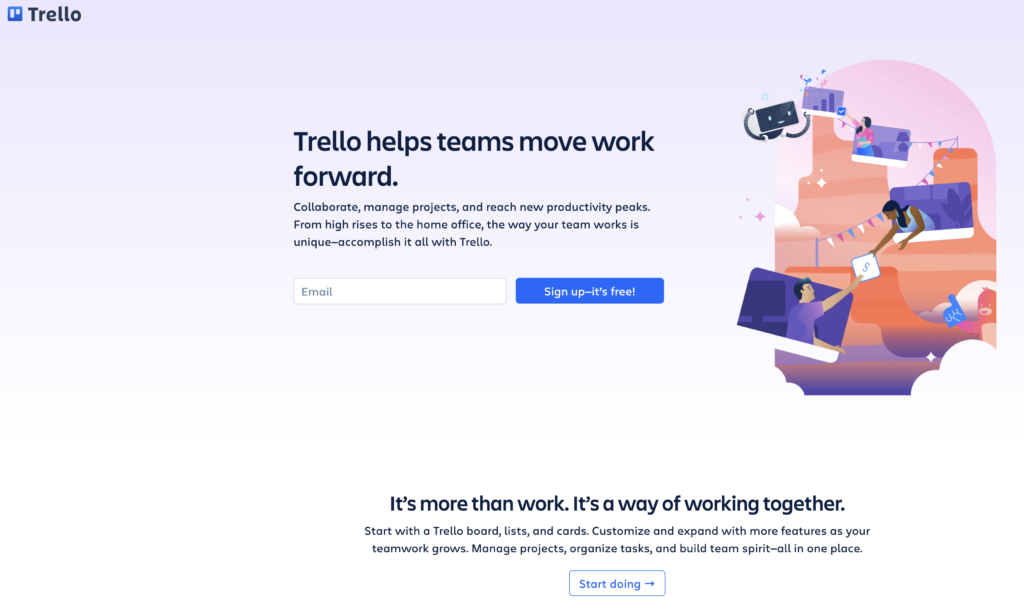
There’s so much you can do with Trello! I also use it to keep track of Facebook groups, work done for paid clients to bill at the end of the month and even for menu planning.
Airtable
When Terra at Uncork Your Dork recommended Airtable in a post, I was curious. I’m now addicted and I can’t believe I can do all of this for free! It is a combination of spreadsheet and database that allows you to keep track of everything. I currently have a table for each blog with every post in it, links to it and the date when I last updated it and added a new pin.
I also have tables for my crafts business with products on Etsy, beads in stock and even a project idea table with inspirational pictures and details of what beads I have and what I need to buy.
Todoist
I used to use a two-tiered reminder system because I’m so forgetful. I put everything onto Todoist then each week I fill in my Happy Planner on my desk with the jobs to do that week. Once finished, I get to tick off each task twice!
Social media
CoSchedule
I did use CoSchedule with the full ReQueue feature and while it isn’t the cheapest out there, it does have some fantastic features. You can only link one WordPress blog to the calendar but there’s no reason you can link all of your social media accounts (my current plan lets me have 25) and post to everywhere from it. It even does Instagram and Pinterest, although I use Tailwind (below) for this one.
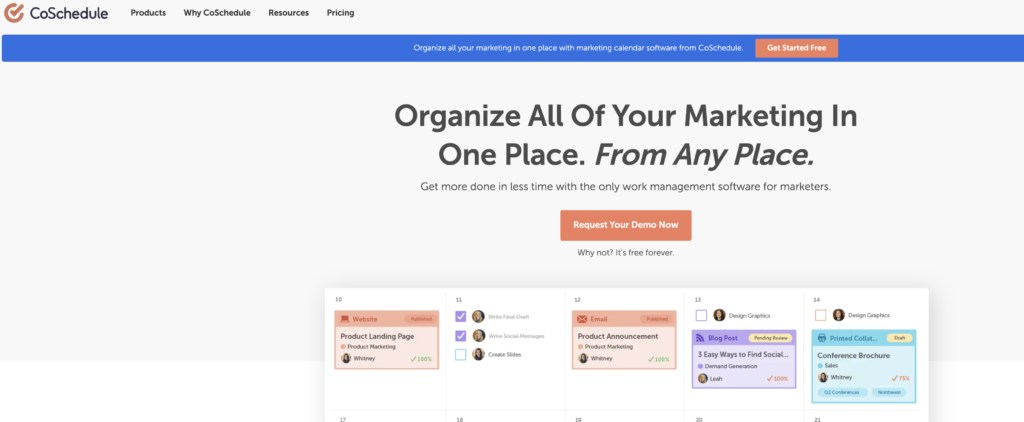
The only reason I stopped using it was that I felt the features were more aimed at a team and there’s just me. I miss the templates and a number of other features and I would still recommend it if these are important or if you have a team.
Buffer
I started out with Buffer and at £10 a month, it is so affordable. I used to use it to organise curated content and because Quuu (below) works with it automatically. I like the simplicity of it and there’s a content inbox feature where I can save favourite blogs RSS feeds to easily find out what they have published and share.
SmarterQueue
This is the social media scheduler I’m using at the moment. I’ve tried quite a few and come back to SmarterQueue because it has the right blend of features for the right price. I currently have the plan that gives you 4 social media profiles but you can do more.
The stand out features for me are the evergreen option to recycle content and the posting categories. This lets you categorise posts, set up a schedule for them and easily add content to them. For example, I have a category for weekly sharing threads in my Facebook group that automatically recycles while I can also post other content such as blog posts or curated content through their own category – without interrupting the flow of the threads.
Tailwind
I use Tailwind to schedule most all of my Pinterest content. It does suggest the best times to pin after you have used the tool for a while and the Chrome extension makes adding content to it super easy.
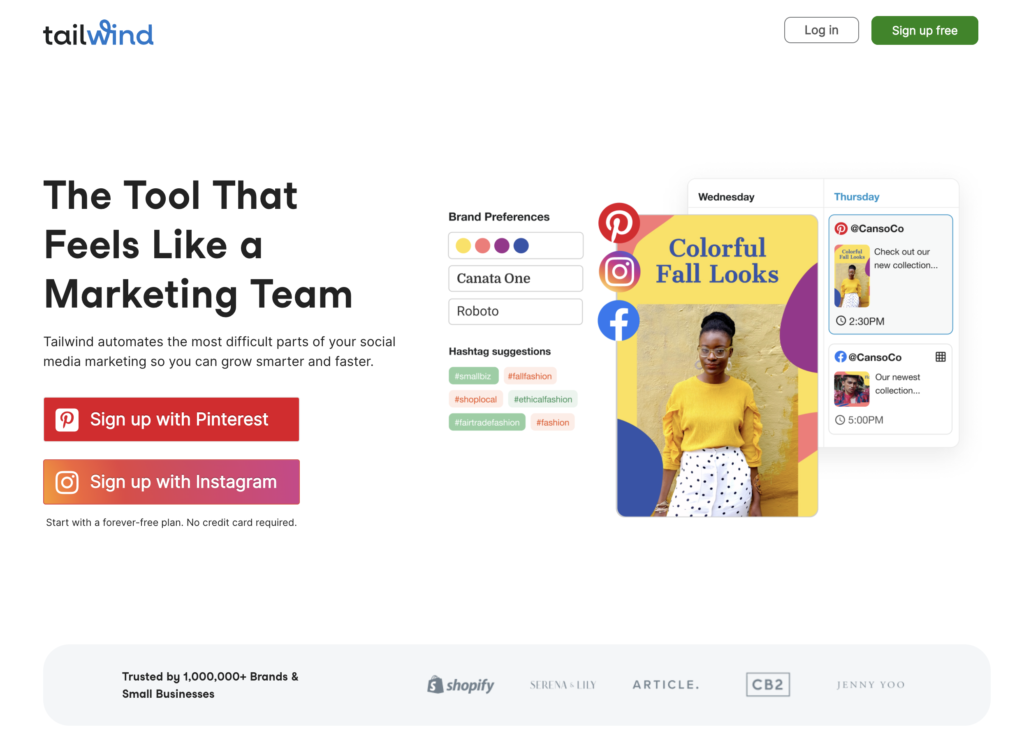
I’m also a big fan of the Commuities feature, which is currently free to anyone even if they don’t use Tailwind. It is a great way to find other people’s content to pin and to get your Pins in front of new people, without relying on the smart feed. Added to that is Smart Loop which recycles your pins on a schedule you set and means you always have content going out.
Planoly
I’m not doing much with Instagram at the moment but when I do, I like Planoly. It has a good, solid free plan that lets you schedule 30 updates at a time and you can set a custom schedule. If you are more into IG, then are advanced features and analytics on the paid programs that let you get more information to better create your strategy.
Curated Content
I use Pocket to store all of the pieces that are inspiration for posts or I want to use in research. I have an IFTTT applet that automatically copies them from Pocket to an Airtable spreadsheet and I can then use them in my editorial calendar when needed.
Feedly
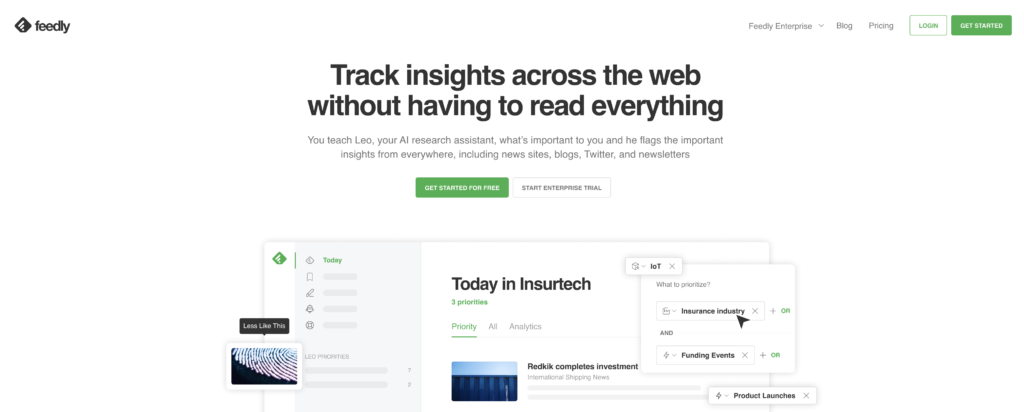
There is a paid version of Feedly but I just use the free one and it is a great place to find curated content. You can have boards there to add content to that you find interesting and then schedule it later or you can just follow the link and schedule immediately.
Keeping track
QuickBooks
QuickBooks is a lifesaver when it comes to finances. My first year as a content writer I did it all manually and hated filling out those damn spreadsheets and tallying it all up. Since I’ve used QuickBooks, I’ve saved time and also got a better understanding of how things work. You can use rules to categorise repeat expenses or income and it allows you to see how much tax and national insurance you need to pay at any stage in the year.
Google Drive
As well as my external hard drive in the house Google Drive is a great place to store and share stuff. I use it to hold all the printables for the Subscriber Library so that people can easily download the content once they have received the password.
Evernote
Evernote is ideal to store stuff that you want to read later, read again or simply want to know where it is. I have folders for big brands whose content I like to keep long term as well as using it to store eBooks I want to read.

Others
ConvertKit
ConvertKit was the first service I use for my email subscriptions for all of my blogs. I know there are cheaper options out there but it is definitely a case of getting what you pay for.
Active Campaign
Active Campaign is currently my favourite for email marketing. It has many of the same features as Convertkit but is a little more cost effective and also has some great features to make more visually interesting emails, which is where ConvertKit is a bit of a let-down.
Google Analytics
One of the key parts of having a blog is to keeping track of what is working and what isn’t. The best option for this is Google Analytics which is free and comprehensive. It can almost seem too much at times! But the key with it is to learn the basics, how to check key information such as what platforms are sending traffic to your website and what pages people land on. Google does offer free training on GA that is a great way to advance your knowledge too.
Canva
Canva is definitely my go-to tool for graphics. It is easy to use, has lots of templates for ideas and with the paid version, you can store brand colours and fonts, saving time.
There we go, my favourite tools for my blogging business and my paid client work. Some of these are free, others are paid for but worth the investment. Do you have a favourite tool?